Plan and write in one project
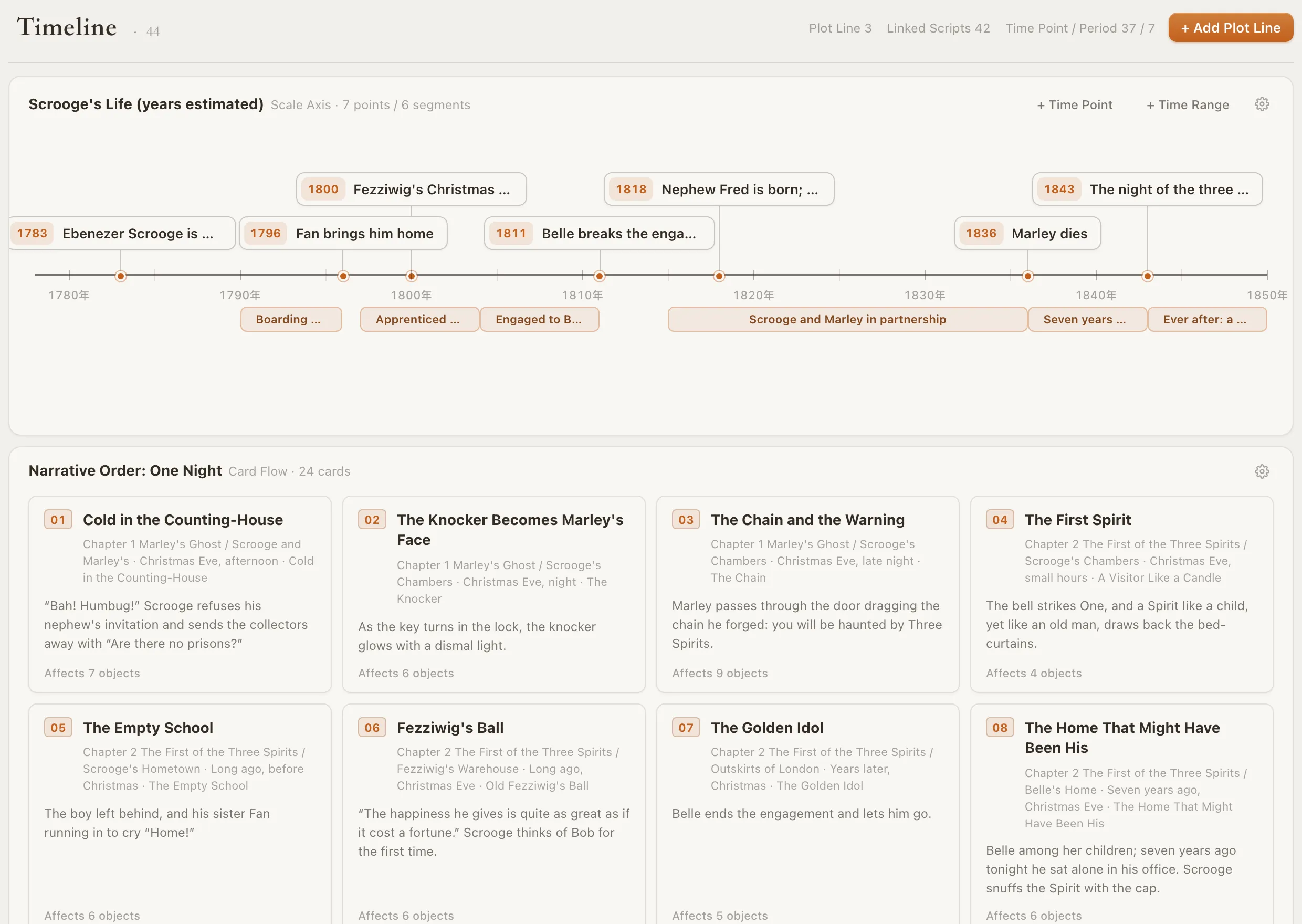
Chapters and scenes sit as cards in the chapter outline, right next to the draft. Drag a scene card to another chapter and its text moves with it, with no copying and pasting between a planner and a word processor.
- Chapter → scene cards beside the draft
- Drag a scene and the prose moves
- Scene summaries and goals